
Setup (Android)
Create a project with react-native init $PROJECT_NAME$
Prerequisites
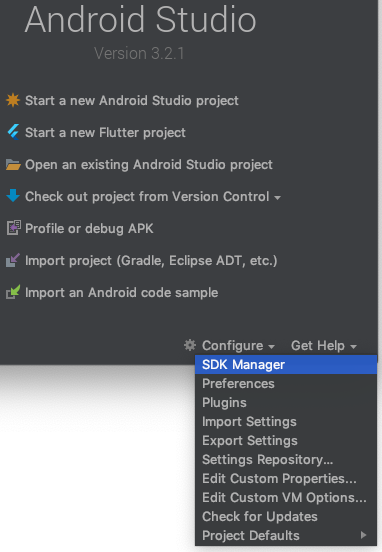
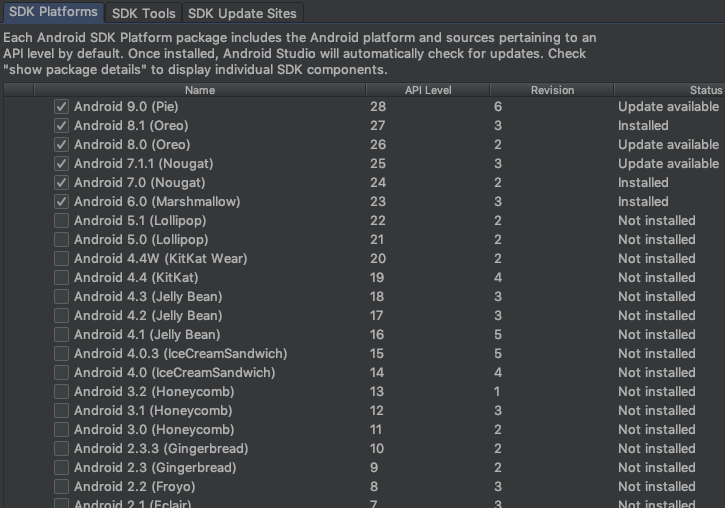
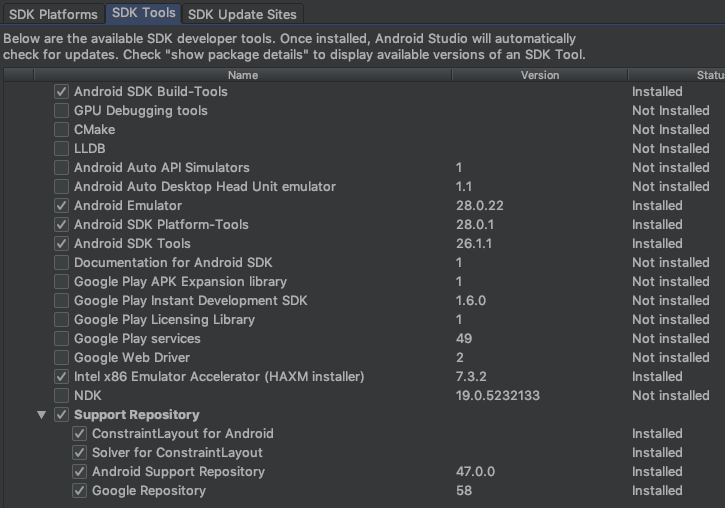
- Open the SDK Manager in Android Studio, and install the latest SDK Platforms & Tools:
- Add to your
.bash/.zshrc/whatever you use:
export ANDROID_HOME=~/Library/Android/sdk/
export PATH=$PATH:~/android-sdks/platform-tools/
export PATH=$PATH:~/android-sdks/tools/
export ANDROID_SDK=$HOME/Library/Android/sdk
export PATH=$ANDROID_SDK/emulator:$ANDROID_SDK/tools:$PATH
Emulators
Run Android Studio, and open your project's /android folder with it.
- Select the AVD Manager in the toolbar:

You'll see a pre-defined list of different emulators - different devices, Android versions. You can create new ones & import existing ones.
- Select one and run it:
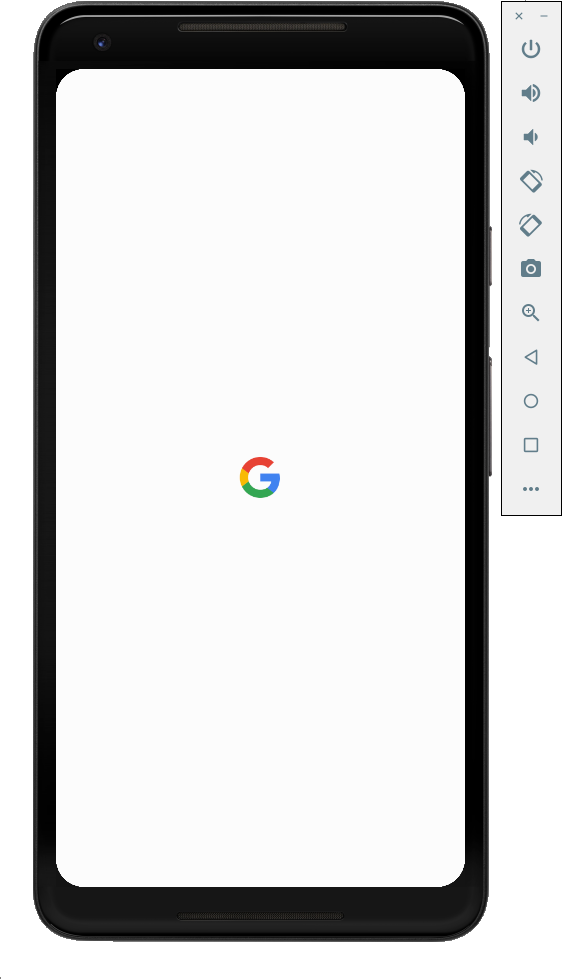
Now, running react-native run-android will build and open your app in this emulator.